How to Get Verified on Instagram: A Comprehensive Guide |
Learn the steps to obtain Instagram verification and enhance your brand's credibility with our comprehensive guide. |
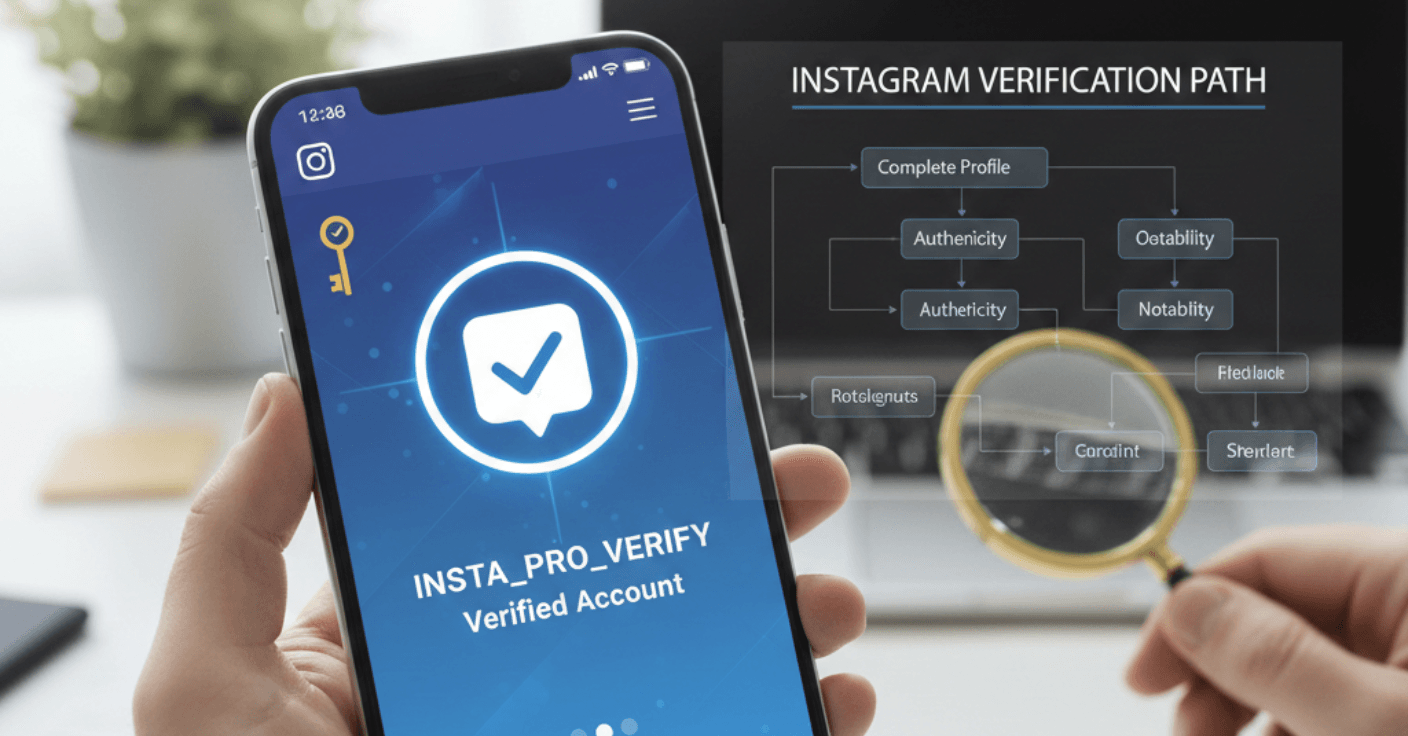
Securing a verified badge on Instagram is a significant milestone for creators and businesses aiming to establish credibility and trust with their audience.
This guide outlines the steps to obtain Instagram verification, whether through the traditional application process or via the Meta Verified subscription service.
Understanding Instagram Verification
An Instagram verified badge is a blue checkmark displayed next to your profile name, signifying that Instagram has confirmed the account's authenticity.
This badge helps users identify genuine accounts of public figures, celebrities, brands, and entities of public interest.
Eligibility Criteria for Instagram Verification
To qualify for Instagram verification, your account must meet the following criteria:
Authenticity: Your account must represent a real person, registered business, or entity.
Uniqueness: Only one account per person or business can be verified, with exceptions for language-specific accounts.
Completeness: Your profile should be public, have a bio, profile picture, and at least one post.
Notability: Your account should represent a well-known, highly searched-for person, brand, or entity.
Instagram reviews accounts featured in multiple news sources but does not consider paid or promotional content.
Traditional Verification Process
Follow these steps to apply for verification through Instagram's traditional method:
Step 1: Log into Your Account
Ensure you're logged into the account you wish to verify.
Step 2: Access Settings
Navigate to your profile, tap the menu icon (three lines) in the top-right corner, and select 'Settings.'
Step 3: Request Verification
Under 'Account,' tap 'Request Verification.'
Step 4: Complete the Application
Provide your full name, a form of identification (e.g., government-issued ID), and any additional information that demonstrates your account's notability, such as links to news articles or other social media accounts.
Step 5: Submit and Wait
After submission, Instagram will review your application and notify you of their decision, typically within 30 days.
Meta Verified Subscription
As an alternative to the traditional process, Instagram offers a paid verification option through the Meta Verified subscription service.
This service provides the blue checkmark along with additional benefits.
Eligibility for Meta Verified
To subscribe to Meta Verified, you must:
Be at least 18 years old.
Have a profile picture that includes your face.
Have a prior posting history.
Provide a government-issued ID that matches your profile name and picture.
Enable two-factor authentication.
Steps to Subscribe to Meta Verified
Step 1: Access Meta Verified
Open the Instagram app, go to your profile, tap the menu icon, and select 'Meta Verified.'
Step 2: Choose the Account to Verify
Select the account you wish to verify.
Step 3: Payment
Pay the subscription fee, which starts at $14.99 per month.
Step 4: Confirm Your Information
Ensure your profile name and picture match your government-issued ID.
Step 5: Verification
Upload a photo of your ID and complete any additional verification steps.
Once approved, the verified badge will appear on your profile.
Benefits of Verification
Obtaining a verified badge on Instagram offers several advantages:
Authenticity: Confirms your account is the official presence of your brand or persona.
Trust: Builds credibility with your audience.
Visibility: May improve your account's visibility in search results.
Impersonation Protection: Deters others from creating fake accounts in your name.
Common Reasons for Verification Denial
Instagram may deny verification requests for several reasons:
Insufficient Notability: Lack of significant media coverage or public interest.
Incomplete Profile: Missing bio, profile picture, or posts.
Inconsistencies: Discrepancies between your profile information and provided identification.
Policy Violations: Breaching Instagram's Community Guidelines or Terms of Use.
Tips to Improve Verification Chances
To enhance your likelihood of obtaining verification:
Build a Strong Online Presence: Gain media coverage and establish your brand across various platforms.
Maintain an Active Account: Regularly post and engage with your audience.
Ensure Profile Completeness: Fill out all profile sections accurately.
Adhere to Guidelines: Follow Instagram's rules and policies.
Conclusion
Achieving Instagram verification, whether through the traditional application or the Meta Verified subscription, can significantly bolster your brand's credibility and trustworthiness.
By meeting the eligibility criteria and following the outlined steps, you can enhance your chances of obtaining the coveted blue checkmark.
FAQs
Can a normal user get verified on Instagram?
Yes, any user who meets Instagram's verification criteria can apply for verification.
How many followers do you need to be verified on Instagram?
Instagram does not specify a minimum follower count for verification; the focus is on notability and authenticity.
Can you pay to get verified on Instagram?
Yes, through the Meta Verified subscription service, users can pay a monthly fee to obtain verification.
How long does it take to get verified on Instagram?
Traditional verification can take up to 30 days, while Meta Verified subscribers may receive verification within a few days.
Is Instagram verification permanent?
Verification can be revoked if you violate Instagram's guidelines or change your account information significantly. |





0 Comments
Join the conversation
Be the first to comment
Share your thoughts above.